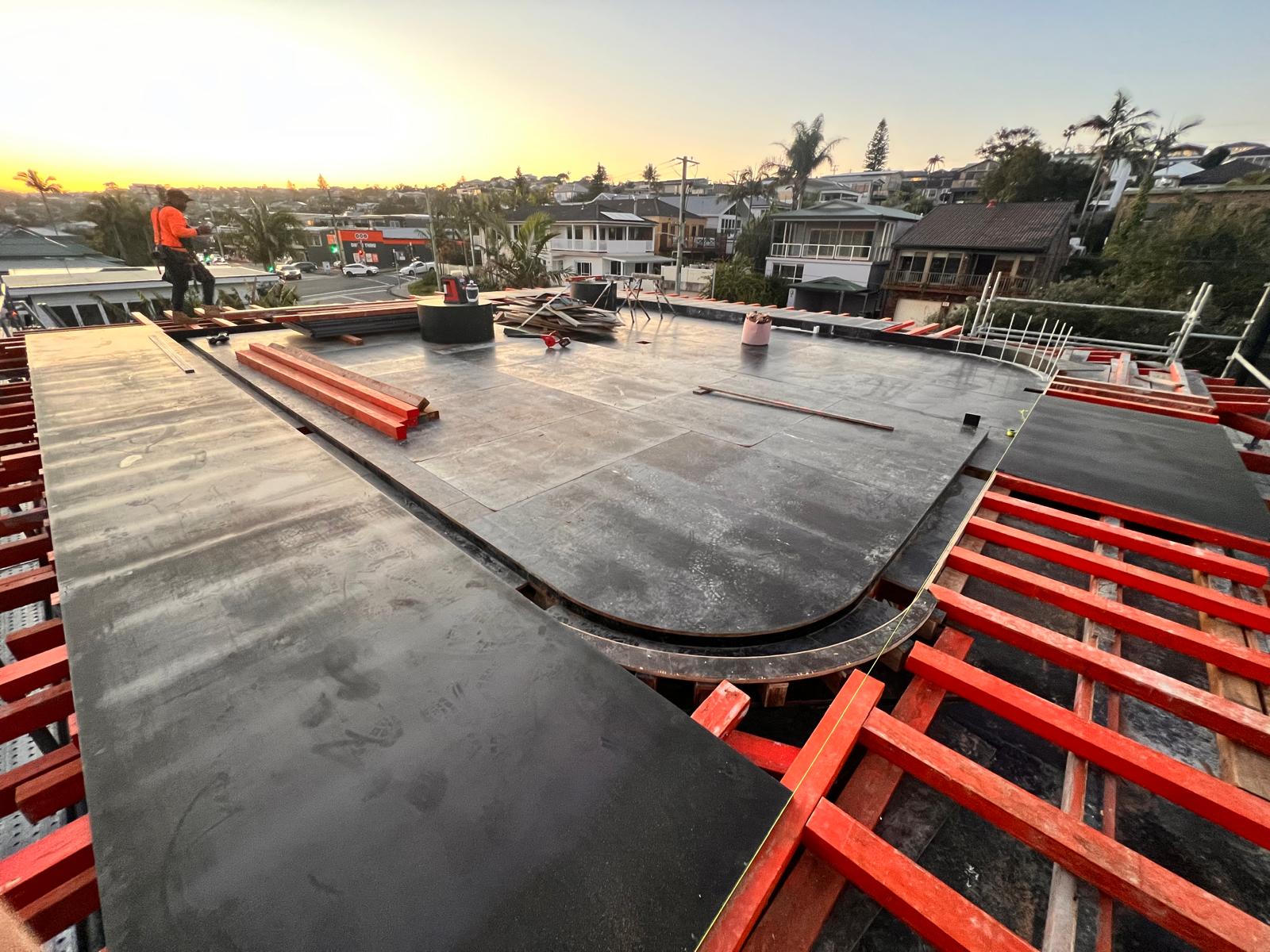
Form Reo Pour used to spend two to three hours every afternoon moving names around a shared spreadsheet, then texting each crew member where to go. Payroll day meant more hours checking timesheets against that spreadsheet. Today, this Melbourne concrete structures subcontractor runs scheduling, timesheets and payroll through Neo, and director Laurence Harrison estimates it saves two to three hours of admin every day.
Key Takeaways
- 2–3 hours of admin saved every day across scheduling, timesheets and payroll, freeing management to focus on site
- Double bookings ruled out, with every crew member and piece of plant allocated from one live screen
- Fewer payroll errors, with EBA rules applying site allowances automatically and hours flowing straight into Xero
- Crews turn up at the right site, with contacts, drawings and shift details updated live in the Field App
- Consistent, timestamped site records ready whenever a head contractor asks for evidence
Watch the interview with Laurence
Company Overview
Form Reo Pour is a Melbourne-based subcontractor delivering concrete structures, excavation and civil retention structures across metro and regional Victoria. Directors Laurence Harrison and Rhory Lyle, both civil engineers with Tier 1 contractor backgrounds, founded the business in September 2016. Today it delivers complete retention and structure packages, from design management through to delivery, for head contractors including CPB, John Holland and Lendlease.
The Challenge Before Neo
Before Neo, Form Reo Pour scheduled and allocated its crews in cloud-shared Excel files that didn't always sync. A change made in the office didn’t show up for anyone else. Copied cells or duplicate entries meant people were double-booked or sent to the wrong job.
Managing the schedule took two to three hours every afternoon – calling site foremen to work out who went where, moving names around the spreadsheet, then texting each crew member individually. When a text carried the wrong address or site contact, the day started late.
"Often cells get copied or duplicates get made, and then you misallocate or double allocate people. There's too much data to see on one screen, you need to have multiple tabs for multiple days, weeks, and copying and pasting that information over the journey creates errors and lost information." Laurence Harrison, Director, Form Reo Pour
Payroll carried its own risk. Crews logged hours in the Xero app, then the office flagged project names and applied site allowances by hand. Locations were often wrong or missing, and rates would drop out of the system over time. Every Wednesday, checking timesheets against the scheduling spreadsheet took another two to four hours.
EBA conditions made it harder again. On a wet day in Melbourne, the rules decide how long crews wait in the sheds and when the site is called off for the day. General accounting software has no way to apply that automatically, and every error meant a separate pay run for the people affected. "It often takes as much work as it does to run the entire payroll," Laurence says.
Site evidence lived in emails, text messages and a shared folder. On busy days, the site diary was the first thing to drop off the list.
The Solution
Form Reo Pour searched the market for scheduling software and trialled one product before Neo. It was built around domestic slab placement, with nothing for commercial building work.
After that trial, Laurence was ready to stick with Excel. "I said to myself, there's nothing out there that was going to solve my problem. I'm going to stick with what I know," he says.
When Neo's sales team called, he agreed to a demonstration of the platform. "If it did half the things they mentioned, then it was going to solve my problems."
The deciding factor was the Project Calendar and Scheduling view. Every project, crew member and piece of plant sits on one screen, and the platform holds a single list of people and a single list of gear. Nobody can be booked in two places at once.
"The one thing that made me want to use Neo was the one central screen where I can see all projects, all personnel and all plant on one screen, and drag and drop them between jobs without duplicating people or gear. You couldn't make errors in this process. It was one visual aid where you could see all." Laurence Harrison, Director, Form Reo Pour
Today, Form Reo Pour runs labour allocation, scheduling, plant and equipment, daily timesheets, payroll and site diaries through Neo. Crews use the Field App on site. The office works from the Admin Console, with EBA rules and the Xero integration handling site allowances before payroll goes out.
The Results
Benefit #1: 2–3 hours back every day
Across scheduling, timesheets and payroll data entry, Laurence estimates Neo saves two to three hours a day. For a business of up to 40 people, that’s time back for managing sites.
The schedule is one place where that time comes from. Management works from a single live Project Calendar and Scheduling screen, and every crew member and piece of plant exists once in Neo. Drag someone onto a job and they’re locked in for the day, with no double bookings to catch and no spreadsheet to cross-check.
“Scheduling now is far easier, far simpler and far more reliable from a data collection perspective,” Laurence says. “I know the info is there.”
Timesheets and payroll account for the rest of the time savings.
Benefit #2: Crews arrive at the right site with the right information

Text messages used to carry each crew member's job for the day, and a wrong address or missing details cost precious time on site. With Neo, each fieldworker opens the Neo Field App and sees their project, site contacts and shift details in one place. When the schedule changes in the office, the crew sees it on their phone in real-time.
"Staff communication is a lot better with Neo because the staff have a field app which shows them all the relevant information on their project for the day – site contacts, relevant drawings or any information they need to know about their shift. It's on an easy to use, functional app on their phone." Laurence Harrison, Director, Form Reo Pour
Benefit #3: Site allowances applied right, every pay run
Crews log their timesheets in the Neo Field App, so start and finish times and locations come in accurate and on time. Neo's EBA Interpretation recognises each project and applies the matching site conditions and allowances automatically. Approved hours then flow into Xero, without any allowances needed to be keyed in by hand.
"I'm more confident with payroll being processed correctly these days using Neo. I have confidence in the EBA integration and its communication to Xero." Laurence Harrison, Director, Form Reo Pour
Benefit #4: Site evidence on hand when a head contractor asks
Site updates used to sit in emails and text messages. Now the team records site activity and photos in Neo's Site Diaries, building one consistent, timestamped record for every project. When a head contractor asks for proof of work on site, the evidence is already there. "Without Neo, you don't have the ability to collate that data, or the consistency of data you can rely on," Laurence says.
Last words: Advice to other subcontractors
"If another subbie was considering Neo, I'd say how successful Neo was for me and what it provides with the ease of scheduling and payroll integration, and ability to adapt to mine or anyone's business in this industry. I don't think there's a competitor that matches it." Laurence Harrison, Director, Form Reo Pour