
How subcontractors can nail construction time tracking, EBA payroll and payroll integration

A subcontractor runs 40 crews across three sites. Every Friday, the payroll officer spends the day reconciling paper timesheets, calculating EBA allowances in a spreadsheet and re-entering it into the payroll system. By 6pm, they’re still manually checking numbers. By the following Wednesday, two crew members have flagged errors in their pay.
For most subcontracting businesses, payroll is one of the most time-consuming and error-prone processes in the business. Putting more effort and time in isn’t the solution, it’s rethinking the way the process is structured.
Construction payroll moves through three distinct steps: capturing accurate hours on site, interpreting the correct EBA or award rates and pushing the result into the payroll system. The end-to-end payroll process needs to connect people, places, timesheets, job numbers, employer obligations including Enterprise Bargaining Agreements (EBAs) or company awards. And when any one of those steps is manual, the whole process becomes unreliable.
Why payroll takes so long to get right in construction
Unlike a regular office environment where people show up, sit at a desk in a central location, and then clock out again, a subcontracting workforce is nimble and constantly on the move. Locations change, conditions vary, and hours are dictated by the project, not the clock.
Most subcontractors are already tracking time in some form, but the problem lies in how fragmented the process is.
For a typical construction business, keeping track of labour hours often relies on a range of legacy systems such as paper sign-on sheets, physical job diaries or WhatsApp messages. Those details are then re-keyed into a spreadsheet, which are picked up by an entirely different person to calculate EBA rates separately. By the time pay goes out, the same data has been handled three or four times.
Layer in the EBA complexity. Pay rates vary by trade, seniority and project. Some crews are on industry awards, individual contracts or EBAs. Every one of those variations need to be calculated correctly, every single week.
When all of this is navigated manually using spreadsheets back at the office, it becomes a nightmare scenario, especially as a subcontracting business scales and grows. Multiple projects, multiple sites and crews, and ensuring everyone’s relevant timesheet data is collected and processed in a timely manner puts the payroll team in the pressure cooker, every single week.
At 15 crew it might be manageable. Any more than that the cracks start to show. The bigger the business gets, the bigger the admin burden – and the heavier the weight becomes for payroll teams to shoulder.
How digital timesheets change this admin-heavy payroll process
The payroll problem starts on site. If the foundations, the start, finish and break times, are wrong, everything downstream is wrong.
Digital timesheets are the linchpin. They fix the foundation with absolute accuracy – who worked where, when they started and finished and what they are entitled to.
What digital construction time tracking looks like on site
The secret of successful construction time tracking tools lies in two applications – one for the field and one for the office.
Crews clock in and out from their mobile phone in the field. They log start time, finish time, breaks, travel and the relevant job code. The allowances they’re entitled to – site, travel, height, etc – are captured at the point of submission.
No more chasing paper, an end to lost or damaged physical logbooks, and eliminate the risk of a crew member fudging their numbers. SMS chaos or a stream of Whatsapp notifications get replaced by a centralised, trustworthy shared source of timesheet truth.
Back at the office, those timesheets translate to numbers easily digested by management or payroll teams.
How timesheets flow from the field to the office
Subcontractor time and cost management software dissolves the distance between site and the office, through digital information sharing. Once crew members submit their timesheet information, a supervisor or manager can simply log in and approve, releasing the completed and verified information to payroll directly. There’s no double entry of data, and the right people get real-time visibility of the relevant detail.
Some users of effective construction software solutions have reported time savings of up to 80% or more on processing timesheets and calculating accurate payroll.
Matching sign-on to how your crew works
There is no one way to manage digital sign-ons. Some subcontracting businesses use QR code scans at the site gate, others use GPS check-in, and some might have the site supervisor clock the crew in as they arrive.
The same flexibility applies to shift allocation. Some businesses pre-allocate their crews to jobs the night or week before. Others have the crews self-allocate to the job they’re attending. The system you choose for sign-on needs to be one that will most effectively and efficiently align with how your people work.
Understanding EBAs and allowances in construction – where most businesses get it wrong
Construction payroll is complex for one reason above all others – EBAs. Each EBA set out different pay rates, allowances and conditions. Some subcontractors may operate under multiple EBAs across different projects or states. Others may have crews split across awards and EBAs. Getting it right means knowing which rules to apply to which person on which day.
What makes construction EBAs so complex
The theory behind EBAs was it would improve the ability of employers to negotiate wages and salaries directly, rather than via union-sponsored award agreements.
In reality, the number of EBAs now in effect and the range of matters covered by them has become increasingly complex. They can vary between states, or between projects, and will include matters that affect payroll such as RDOs, site allowances, travel, fares and overtime rates.
It is important to get the details right, because getting it wrong isn’t just an admin inconvenience. It can expose businesses to underpayment claims or Fair Work compliance action.
Common allowance mistakes and what they cost
The most common issues we have heard from subcontractors is managing the fine detail of who is entitled to what, and how it intersects with superannuation and whether it forms part of taxable income.
The crib allowance is a good example of EBA complexity. It applies after a specific number of overtime hours and may include up to 30 minutes of paid break time calculated at the overtime rate. That same worker may also qualify for a meal allowance, but meal allowances do not form part of the taxable income or the wages used to calculate superannuation. two allowances, applying at the same time, calculated on different bases.
Given the complexity and manual calculations required, errors such as miscalculating entitlements, applying the wrong rate of taxation, or not applying the correct figure for compulsory superannuation are easy to make. Every additional pay run to correct mistakes costs the business time and money – not to mention the stress of under or overpaying your crews.
How automated EBA and award interpretation software works
Effective EBA payroll software navigates the details for you, ensuring accuracy, efficiency and above all, compliance.
Award interpretation software reads the rules of your EBA and applies them automatically to every approved timesheet. When hours are approved, the system calculates the correct base rate, applies any site allowances, checks whether overtime thresholds have been reached, calculates RDO accruals and translates timesheets into payroll-ready schedules.
The EBA or award rules are built into the system. When a new EBA comes into effect, the rules are updated in the system and begin to apply from the following pay run.
The goal of an EBA and award interpretation software is to do the heavy lifting for payroll teams, so pay runs are pain-free every time.
Wage compliance basics for Australian subcontractors
Australian subcontractors operate under one of three pay frameworks: a modern award, an enterprise bargaining agreement, or an individual contract. Each comes with different obligations.
These are the areas that cause most problems in manual workflows:
- Award rates vs EBA rates. Awards set minimum pay rates for a classification. EBAs can exceed those minimums and often do. You cannot apply the award rate to a worker covered by an EBA, even if the award rate is simpler to calculate.
- RDOs. Rostered days off accrue based on hours worked. The accrual rate, the conditions that trigger them and how they interact with public holidays all vary between EBAs. Miscalculating RDO accruals creates underpayment liability.
- Overtime and penalty rates. Overtime rates kick in after a defined number of ordinary hours — but that threshold differs between EBAs. Penalty rates apply on weekends and public holidays at different multipliers. Both must be calculated correctly before any allowances are applied on top.
- Site and travel allowances. Most construction EBAs include site allowances tied to the type of project and its location. Travel allowances cover the cost of getting to site. Both are payable in addition to base wages and have their own tax treatment.
A payroll system that cannot distinguish between a worker on an award and a worker on an EBA is not built for construction.
Payroll integration – how to close the loop on paying your crew
At the end of the day, the goal is to ensure your crews are paid for what they do, fairly, and with minimal dispute or issues. It’s also important that no-one is claiming hours or allowances for which they are not entitled. Business margins are tight enough in construction without losing dollars to inaccurate timesheets or allowance claims.
What payroll integration means in practice
When approved timesheets flow into your payroll system with EBA rates already applied, payroll stops being a multi-day process. No spreadsheets, no manual double-entry of data and vastly reduced risk of errors or inaccuracies. Also gone – hours of stressful late-night calculations.
“Before (adopting construction software), payroll was a real headache. We were manually checking paper timesheets, interpreting EBA rules, and re-entering everything into the payroll system. Now timesheets come through digitally, allowances are applied automatically, and payroll is essentially ready to go. What used to take one to one-and-a-half days now takes a few hours — that’s about a 60% reduction in payroll processing time.” _ Raylene Nicholls, Mitcon.
What to look for in time tracking or payroll software for construction
If you’re ready to level up to software that can ease the strain of managing timesheets and payroll for your subcontracting business, here’s what to look for:
- Digital sign-on app for crews to use on-site
- EBA and award interpretation built in, not handled outside the platform in a spreadsheet
- Timesheet-to-payroll workflow where approved timesheets export directly to your payroll system with correct rates already applied
- Payroll system integration with native connections to Xero, MYOB, JobPac, Cheops, etc.
Want to go deeper? Explore these related guides
Payroll does not exist in isolation. It connects directly to how you manage your crew on site, capture hours and protect yourself against disputes. These guides go deeper on each of those areas:
- What is a timesheet in construction and how do digital timesheets work?
- EBAs are complex. Your payroll process does not have to be.
- What happens when you get EBA payroll wrong – and how to avoid it
- No more double entry: simplifying subcontractor payroll with software integration
To see how Neo gives subcontractors control of construction time tracking, EBA interpretation and payroll in one platform, book a discovery call.
Frequently asked questions
What is payroll software for construction?
Payroll software for construction is a platform that connects digital timesheets, EBA and award interpretation, and payroll system integration in one workflow. It replaces manual spreadsheet calculations and reduces payroll processing time by automatically applying the correct rates, allowances and entitlements based on each worker's agreement.
How does construction time tracking connect to payroll?
Crew submit digital timesheets from their mobile phone. A supervisor approves them on site. The approved hours – including allowances and job codes – flow directly into the payroll workflow. There is no re-keying and no manual export step. The connection between time tracking and payroll is automatic.
What is EBA payroll software and why does it matter?
EBA payroll software automatically interprets the rules of your enterprise bargaining agreement (pay rates, allowances, RDOs, overtime thresholds and penalty rates) and applies them to every approved timesheet. Without it, these calculations happen manually in spreadsheets, creating compliance risk and consuming hours of payroll time every week.
What is award interpretation software?
Award interpretation software reads the conditions of a modern award or EBA and calculates the correct pay for each worker automatically. It handles base rates, allowances, overtime, penalty rates and superannuation without manual input. It is the core capability that separates purpose-built construction payroll software from generic time-tracking tools.
What payroll systems does construction payroll software integrate with?
Purpose-built construction payroll software integrates natively with platforms including Xero, MYOB, JobPac, Cheops and Sage. Native integration means approved timesheets export directly with correct rates already applied – no middleware, no manual export step and no additional cost for the connection.
How do I handle site allowances and RDOs in payroll?
Site allowances and RDOs must be calculated according to the terms of each worker's award or EBA. Site allowances vary by project type and location. RDOs accrue based on hours worked and the specific accrual rate in the agreement. EBA payroll software applies both automatically once the agreement is loaded into the system.
Can construction payroll software reduce compliance risk?
Yes. Manual EBA calculations in spreadsheets are the most common source of payroll errors in construction. Since January 2025, intentional wage underpayment is a criminal offence under the Fair Work Act. Software that automatically interprets EBA rules eliminates the manual calculation step and significantly reduces the risk of underpayment.

Frequently Asked Questions
Construction management software for subcontractors is software that helps subcontracting businesses manage crews, schedules, labour hours, compliance requirements and site documentation across multiple projects. It is designed for labour-intensive, site-based work and supports payroll accuracy, EBA and award compliance and the records needed to verify work performed.
Neo is subcontractor operations software built to solve common problems around managing crews, labour hours, compliance requirements and site records across multiple projects. Disconnected schedules, manual timesheets, payroll errors and missing site records lead to rework, disputes and margin leakage. Neo replaces fragmented processes with a single platform that keeps labour data, site activity and compliance aligned across every job.
Neo is subcontractor software used by construction businesses managing crews across multiple sites and projects. This includes a wide range of labour‑intensive, field‑based trades, such as concrete placement, concrete pumping, formwork, steel fixing, civil construction and labour hire, that rely on accurate crew scheduling, labour tracking, site documentation and EBA or award compliance to run their business efficiently
Neo is built for subcontractors of different sizes that manage crews across multiple projects. The subcontractor operations software supports both growing teams and larger subcontracting businesses, scaling as workforce size, project count and operational complexity increase.
Spreadsheets and whiteboards rely on manual updates and are often out of date, leading to missed changes, double booking and fragmented records. Neo is subcontractor software that provides real‑time scheduling, automated crew notifications, linked timesheets and site records in a single platform, ensuring crews in the field and teams in the office work from the same up‑to‑date information.
Neo subcontractor software pricing is structured around packages that scale with your business. Costs depend on factors like workforce size and operational needs, ensuring subcontractors only pay for what they use. A demo is the best way to understand which package fits your business and expected ROI.
Other Blogs
How to build a labour estimate you can actually track against
Is your subcontracting business ready for productivity tracking? Four questions to ask first
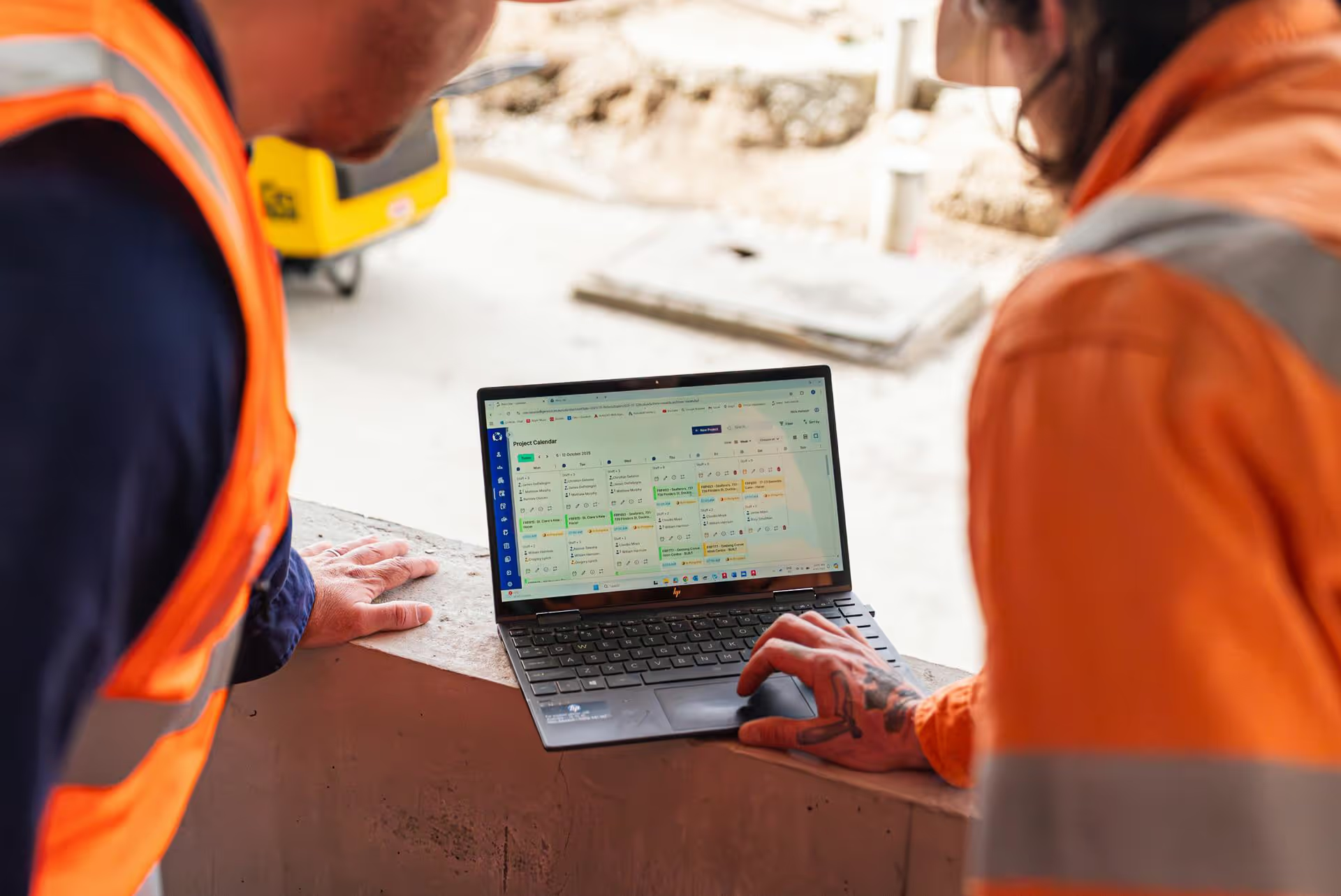
Our guide to measuring and tracking labour productivity
Ready to see an easier way to run your subcontracting business?
Get the clarity, accuracy and confidence you need to keep jobs and crews moving.