
7 hidden causes of low plant utilisation
Key Takeaways
- Most utilisation problems are visibility problems. When equipment allocation lives in spreadsheets, text messages or someone's head, idle plant is invisible until the hire invoices arrive.
- Equipment and operators need to be scheduled together. A machine without a qualified operator is just as unproductive as a machine with no job to go to.
- Reactive maintenance, missed inspections and lapsed compliance quietly remove plant from service at the worst possible moments, and the downtime rarely gets measured.
- Plant and equipment management software gives construction businesses a single live view of where every asset is, who is operating it and when it falls due for service, which is the foundation for lifting utilisation.
Low plant utilisation rarely comes from one obvious failure. It builds up through small gaps in visibility, an asset nobody realises is free, an operator without the right licence to run it, a machine grounded because it's overdue for servicing, until a serious chunk of your fleet is sitting idle while you pay hire fees for gear you already own.
This article is written for subcontractors and construction businesses that own or hire plant, vehicles, machinery and tools, and for the operations managers responsible for keeping those assets earning. It covers the seven hidden causes that drag utilisation down and what fixing each one looks like in practice.
What does low plant utilisation actually cost?
Plant utilisation is the share of available time your equipment spends doing productive work. When it drops, the cost shows up in three places at once. You keep paying finance, insurance and depreciation on machines that aren't earning. You hire in external gear to cover jobs your own fleet could have done. And your crews lose productive hours waiting on plant that was double-booked or down for repairs.
The frustrating part is that none of this appears as a line item. There's no invoice for "excavator sat idle for nine days". The money hides inside hire bills, blown programme days and margin that quietly leaks away. That's why the causes below stay hidden for so long.
1. Equipment bookings live in someone's head
In many construction businesses, one person knows where every machine is, and the schedule exists somewhere between their memory, a whiteboard and a string of text messages. That person goes on leave, two supervisors book the same skid steer for Monday morning and a crew stands around waiting while the office sorts it out.
The deeper problem is that nobody else can see availability. Supervisors can't check whether a machine is free before requesting it, so they either over-request to be safe or default to hiring. A shared equipment schedule, visible to the office and the field, removes the single point of failure and gives everyone access to real availability.
2. Machines get scheduled without operators
A concrete pump with no licensed operator is a very expensive lawn ornament. Plant and operators are often managed in separate systems, the machine in an asset register and the person in a roster, so the two get booked independently. The machine arrives on site, the ticketed operator is on a different job and the day is gone.
Scheduling equipment and qualified operators together is the fix. When operator tickets, licences, training records and competencies sit in the same system as the equipment schedule, you can only allocate a machine alongside someone qualified to run it. Neo's crew management feature keeps those qualifications connected to scheduling, so the right operator lands with the right machine.
3. Plant and equipment maintenance is reactive, not planned
Plant that's serviced when it breaks, rather than when it's due, fails on its own schedule, usually mid-pour or mid-lift. Reactive maintenance turns a four-hour service into a multi-day outage, because the breakdown happens on site, the mechanic has to travel and the spare parts weren't on the shelf.
Planned servicing keeps downtime short and predictable, keeps crews onsite safe, and it's the cheapest way to maintain plant in working order. A maintenance schedule should identify the required maintenance actions for each asset, in line with the manufacturer's requirements and the user manual, and trigger them by hours, time or volume rather than by breakdown. Preventive maintenance also extends asset life, which lifts utilisation over the whole ownership period, not just this month. The prerequisite is accurate usage data, which is exactly what most manual systems fail to capture.
4. Idle time is invisible because nobody tracks usage
Ask most operations managers what their utilisation rate was last month and the honest answer is a shrug. Without usage tracking there's no baseline, no way to spot the machines that haven't turned a wheel in three weeks and no evidence for the next fleet decision. Plant equipment gets bought on gut feel and disposed of the same way.
Start keeping track of usage against allocation and patterns appear fast. You see which assets earn their keep, which ones exist to cover occasional peaks and which should be sold or replaced with short-term hire. That's the difference between managing a fleet and just owning one.
5. Plant gets stranded between jobs
A machine finishes on one site on Tuesday and isn't needed on the next until the following Monday. Where does it sit? Often exactly where it stopped, because moving it requires someone in the office to notice the job has finished, arrange a float and tell the next site it's coming. Every day of that lag is utilisation lost.
This is a handover problem between the field and the office. When site crews log progress daily and the office sees it in real-time, demobilisation can be planned before the job wraps up rather than discovered after it. The machine rolls off one job and onto the next with days, not weeks, between.
6. Crews hold onto gear "just in case"
Every supervisor has done it. The job might need the telehandler again next week, so it stays on site rather than going back into the pool. Multiply that across every active project and a meaningful slice of the fleet is being warehoused on job sites as insurance, invisible to whoever is trying to allocate equipment for the next job.
Crews don't do this out of laziness. They do it because requesting gear back is slow and uncertain, so holding it is the rational move. The fix is making the central pool reliable. When fieldworkers trust that a machine will arrive when the schedule says it will, the incentive to hoard disappears.
7. You hire externally while your own plant sits idle
This is the cause that stings the most, because it's pure waste. A project manager needs a roller, can't quickly confirm whether one of the business's own rollers is free, and the hire company picks up the phone faster than the answer arrives. Meanwhile an identical machine sits in the yard, or worse, parked idle on another site.
External hire absolutely has a place for covering peaks and specialist gear. But when it becomes the default because internal availability is unknowable, you're paying twice, once for the asset you own and once for the one you hired. A live view of fleet allocation makes "do we already have one free?" a ten-second question instead of a ten-phone-call investigation.
Unsafe plant is idle plant: the health and safety link
There's a compliance layer to plant and equipment management that affects utilisation directly. Under Australian WHS law, employers have a duty to provide a safe working environment for workers, and safe plant is part of a safe workplace. A machine with an expired inspection or an open defect can't be allocated, so unsafe plant costs you in exactly the same way a breakdown does.
Risk management duties for plant or equipment
Every item of plant or equipment should be listed in an equipment register that's kept up to date, with a risk assessment that identifies plant and equipment hazards and the controls needed to minimise risk. Those controls, along with inspection and maintenance schedules, belong in a plant risk management plan, and they need to be in place prior to work starting. The documentation matters twice over, once for compliance audits and once because it gives head contractors confidence that your gear is compliant when it arrives on their site.
Safe operation, commissioning and decommissioning
Safe use comes down to following the safe operating procedures for each machine, and having operators assess plant through pre-start checks each shift. Faulty equipment is locked out and tagged out until a competent person inspects and repairs it. New plant goes through a commissioning and testing process, completed prior to first use, to confirm it's in safe working order and used for its intended purpose.
Decommissioned plant is isolated, tagged and moved to storage before disposal, with the decommissioning recorded in the plant risk management plan, and the same procedure applies whether the gear is owned or hired. Inspections on specific plant classes, such as elevating work platforms, must also comply with the relevant Australian Standards.
The hidden utilisation cost is in how these records are kept. When safe work procedures, inspection records and compliance documentation live in folders and spreadsheets, expiries surface only when an auditor or a breakdown finds them. Digital inspection checklists streamline these processes, and compliance tracking in the same system as scheduling means an expiring inspection shows up before it strands a machine.
How plant and equipment management software fixes the root cause
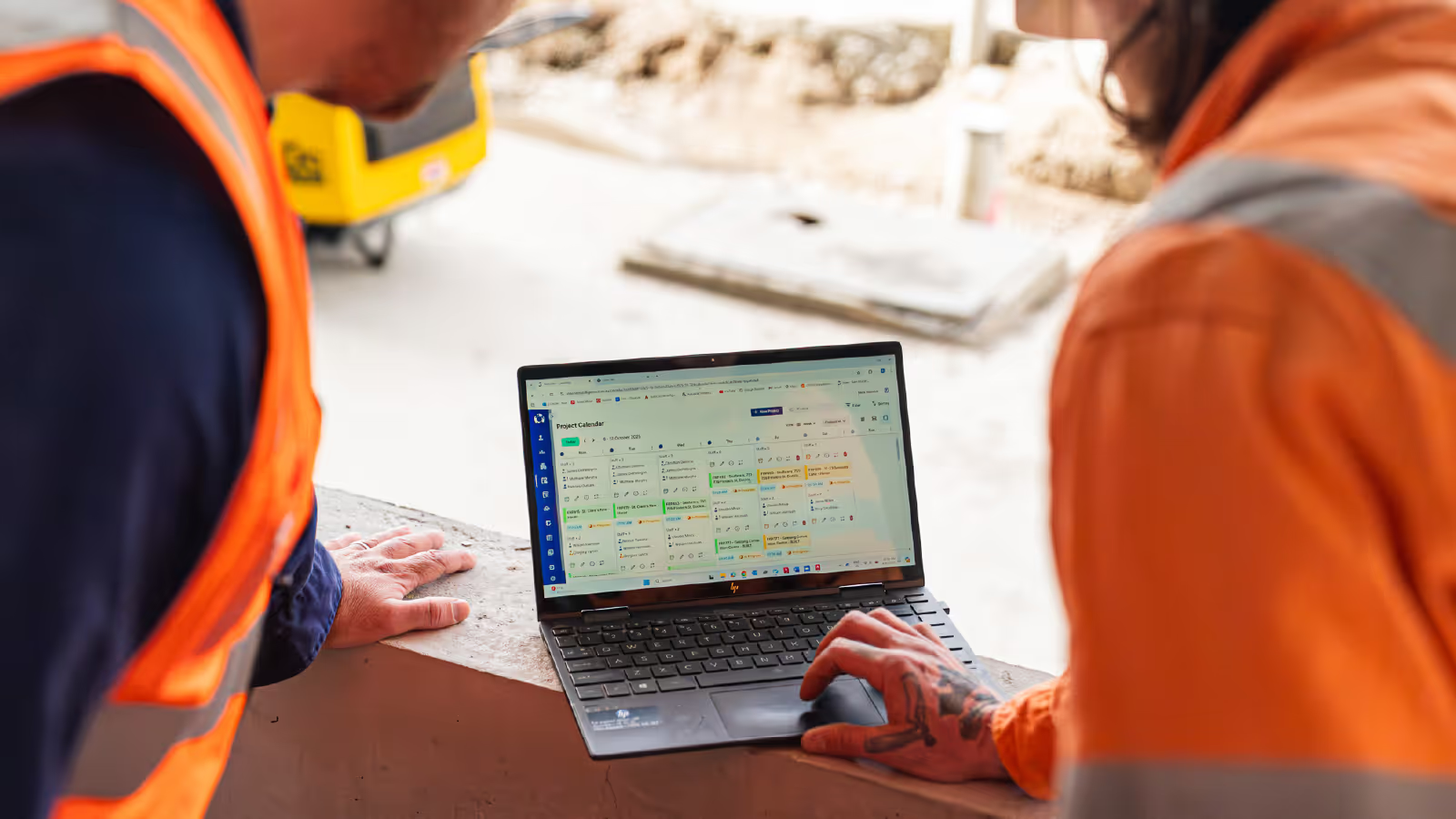
Every one of the seven causes above traces back to the same root: equipment information scattered across spreadsheets, whiteboards and memory. Plant and equipment management software pulls it into one place. Scheduling, operator allocation, usage tracking, maintenance and compliance live in a single system that the office and the field both work from, a single source of truth instead of five partial ones.
Neo's equipment management was built for exactly this. You can see where every asset is allocated, schedule equipment together with qualified operators and let the system track compliance automatically by time, hours or volume. Because it sits inside the same platform as Neo's project calendar and scheduling, equipment moves with the jobs and crews it serves rather than being managed in a silo.
Neo Intelligence is a construction operations platform built for Australian subcontractors, and the results from connected operations speak for themselves. Westcon Landscaping saved $100k annually through smarter scheduling and SDC Group scaled operations without adding extra admin. If your plant utilisation feels lower than it should be, book a demo and see what your fleet looks like in one live view.
Plant & equipment management FAQs
What is a good plant utilisation rate to aim for?
There's no universal benchmark because it depends on asset type. High-value core plant like excavators and pumps should typically sit above 70-80% utilisation of available working time, while specialist or seasonal gear runs lower by design. The useful exercise is setting a target per asset class, then reviewing actuals against it monthly. A machine consistently under 40-50% is usually a candidate for disposal and replacement with hire.
How is plant utilisation actually calculated?
The standard formula is hours worked divided by hours available, expressed as a percentage. The detail that matters is how you define "available". Most construction businesses exclude scheduled servicing from available hours but include time the machine sits in the yard, since idle yard time is exactly what utilisation should expose. Telematics or logged engine hours give the most accurate numerator, with timesheet and allocation data as a practical fallback.
What's the difference between plant and equipment in construction?
"Plant" generally refers to heavy machinery and powered assets, think excavators, cranes, concrete pumps and elevating work platforms, while "equipment" covers the smaller tools, vehicles and gear that support the work, down to testing instruments and personal protective equipment. The distinction matters because WHS obligations scale with risk, so plant attracts registration, inspection and licensing requirements that everyday tools don't.
Is it better to own plant or hire it?
The general rule of thumb is that ownership pays off once an asset is consistently utilised, with hire making more sense for gear used only occasionally or seasonally. Where the breakeven sits depends on the machine, its price, servicing costs and your local hire rates, so it's worth running the numbers per asset class rather than applying a blanket policy. Utilisation data turns it from guesswork into arithmetic, which is why tracking usage matters even for businesses happy with their current fleet mix.
Does telematics replace plant and equipment management software?
No, they solve different problems. Telematics tells you what a machine is doing, engine hours, location and fuel burn. Management software tells you what it should be doing, which job it's allocated to, who operates it and when it's due for service. The strongest setups combine both, using telematics data to feed accurate usage figures into the management platform.
Who should own plant utilisation in a subcontracting business?
In most subcontracting businesses it lands with the operations manager, since they already control scheduling and crew allocation. The key is making it a measured responsibility rather than an informal one. A monthly utilisation review per asset class, with hire spend reported alongside it, keeps the number visible to the business owner and stops idle plant from going unnoticed between fleet purchases

Frequently Asked Questions
Construction management software for subcontractors is software that helps subcontracting businesses manage crews, schedules, labour hours, compliance requirements and site documentation across multiple projects. It is designed for labour-intensive, site-based work and supports payroll accuracy, EBA and award compliance and the records needed to verify work performed.
Neo is subcontractor operations software built to solve common problems around managing crews, labour hours, compliance requirements and site records across multiple projects. Disconnected schedules, manual timesheets, payroll errors and missing site records lead to rework, disputes and margin leakage. Neo replaces fragmented processes with a single platform that keeps labour data, site activity and compliance aligned across every job.
Neo is subcontractor software used by construction businesses managing crews across multiple sites and projects. This includes a wide range of labour‑intensive, field‑based trades, such as concrete placement, concrete pumping, formwork, steel fixing, civil construction and labour hire, that rely on accurate crew scheduling, labour tracking, site documentation and EBA or award compliance to run their business efficiently
Neo is built for subcontractors of different sizes that manage crews across multiple projects. The subcontractor operations software supports both growing teams and larger subcontracting businesses, scaling as workforce size, project count and operational complexity increase.
Spreadsheets and whiteboards rely on manual updates and are often out of date, leading to missed changes, double booking and fragmented records. Neo is subcontractor software that provides real‑time scheduling, automated crew notifications, linked timesheets and site records in a single platform, ensuring crews in the field and teams in the office work from the same up‑to‑date information.
Neo subcontractor software pricing is structured around packages that scale with your business. Costs depend on factors like workforce size and operational needs, ensuring subcontractors only pay for what they use. A demo is the best way to understand which package fits your business and expected ROI.
Other Blogs

Our guide to construction timesheets for subcontractors

The hidden cost of paper timesheets on site
How to build a labour estimate you can actually track against
Ready to see an easier way to run your subcontracting business?
Get the clarity, accuracy and confidence you need to keep jobs and crews moving.